

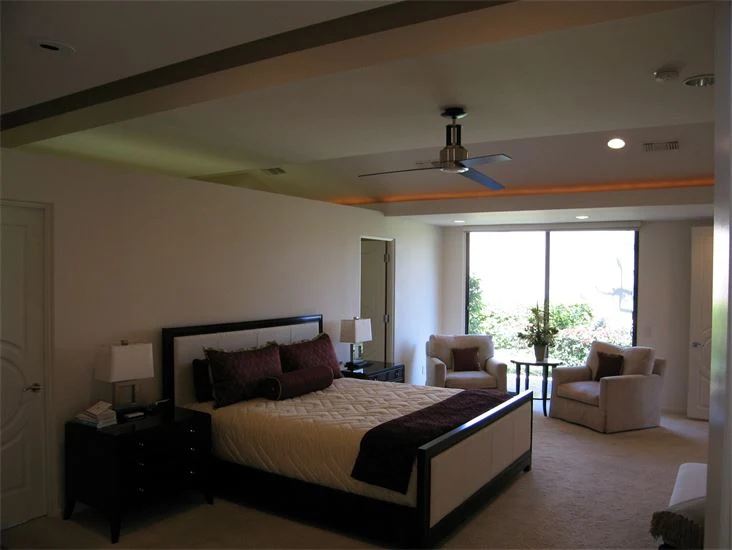
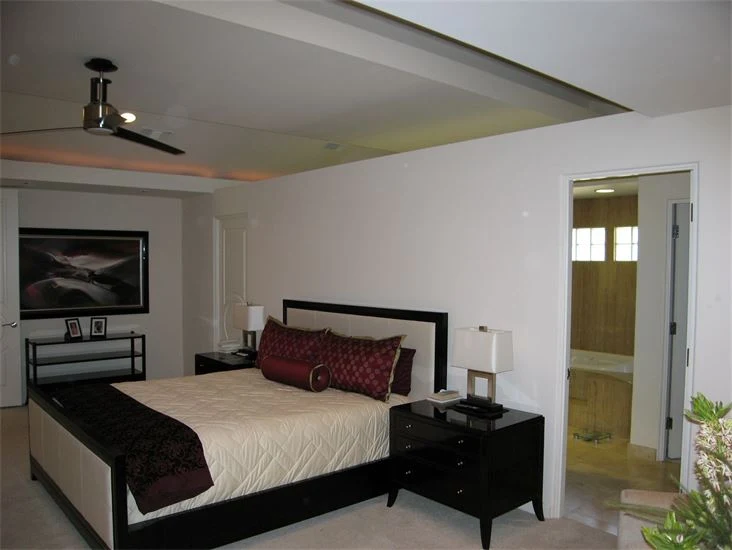
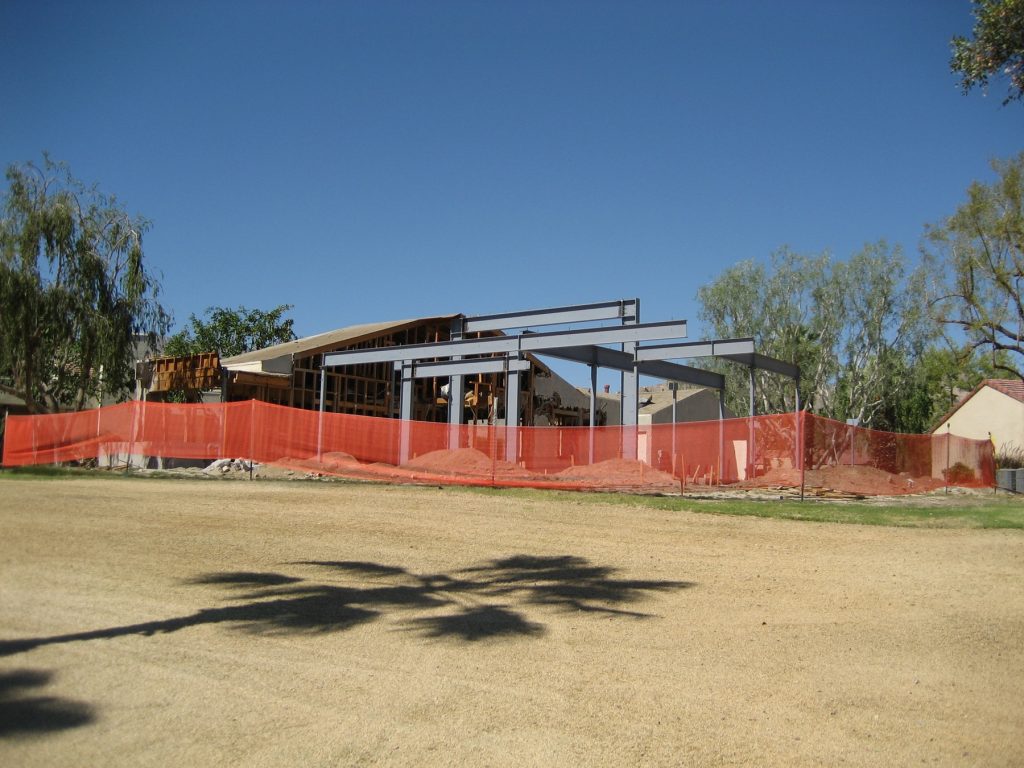
Before

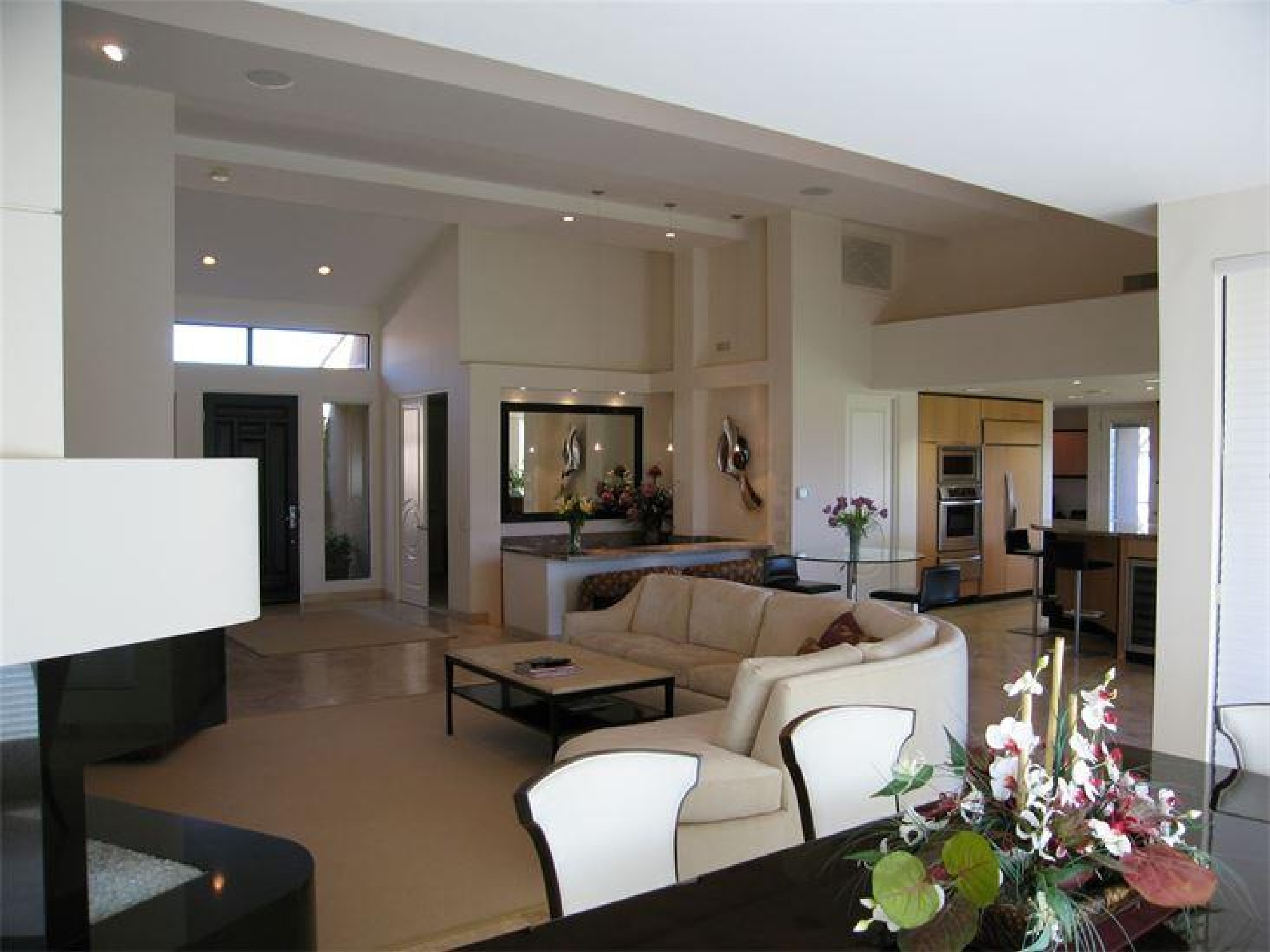
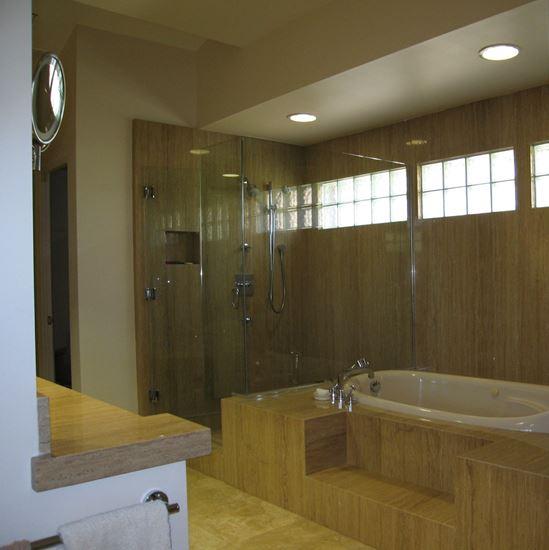
After
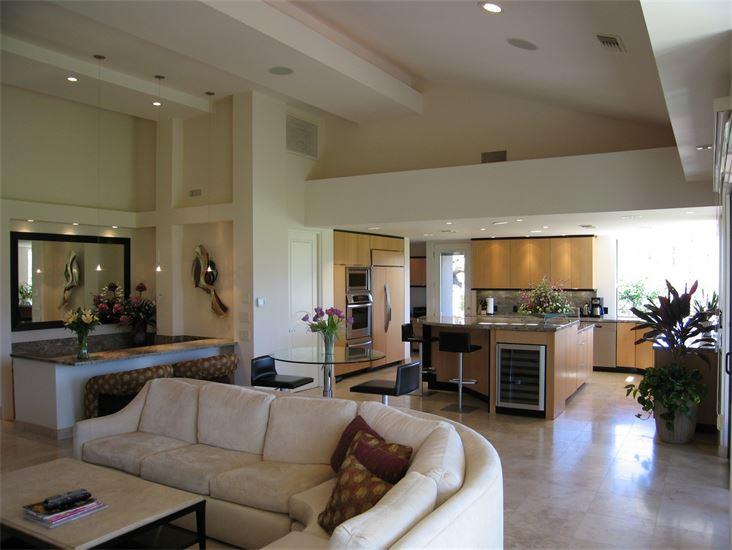
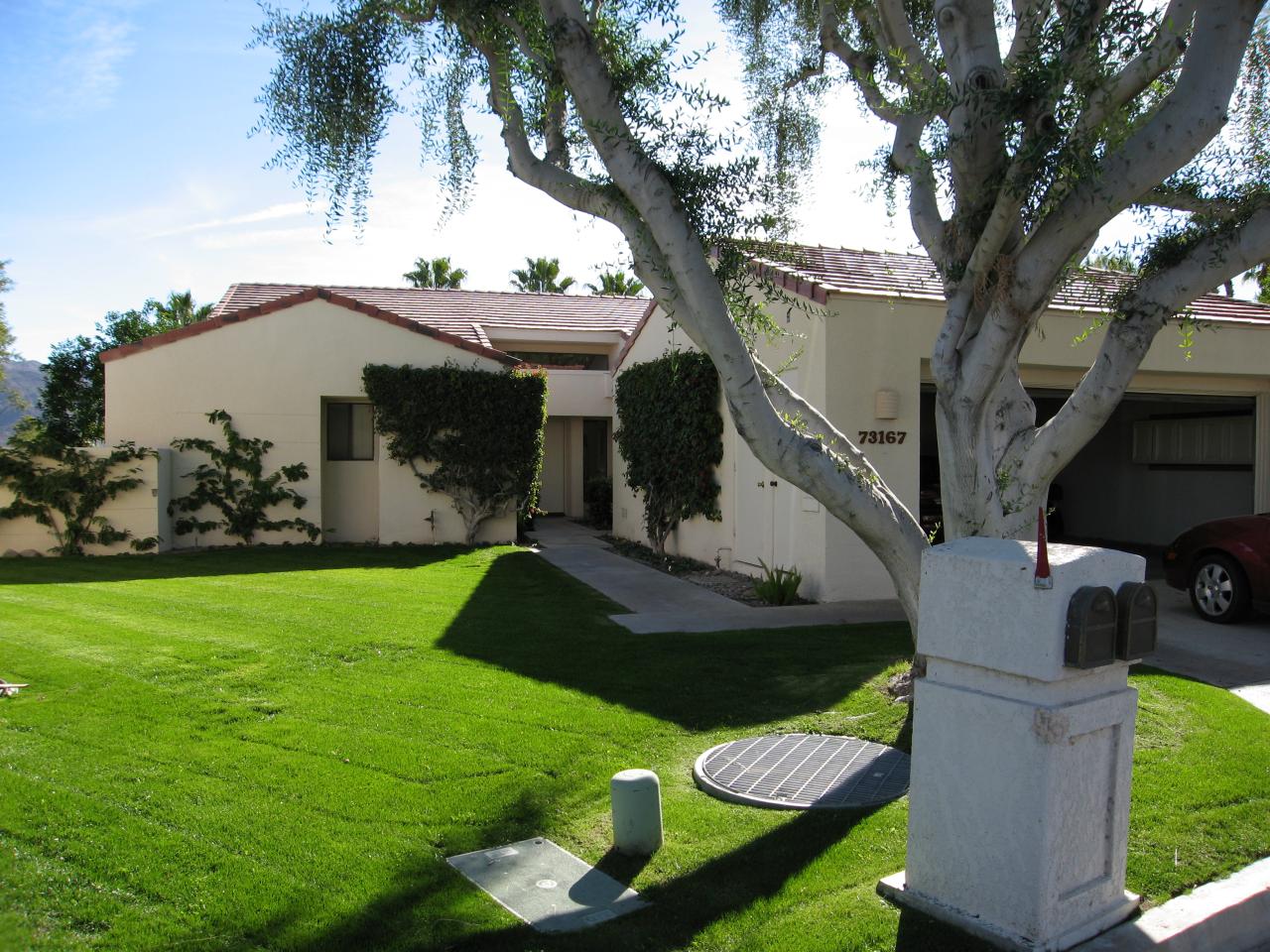
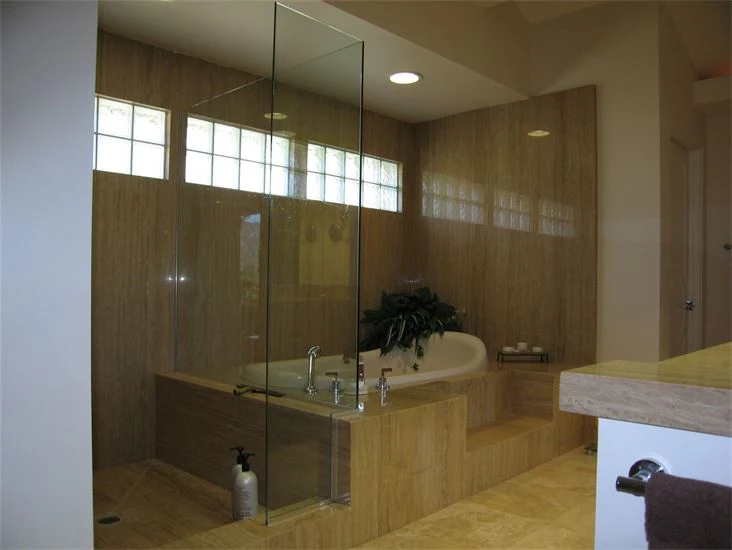
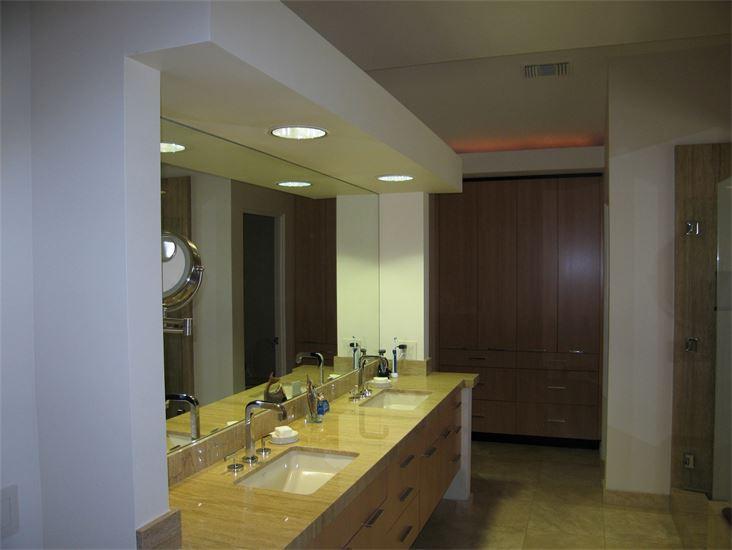
Before
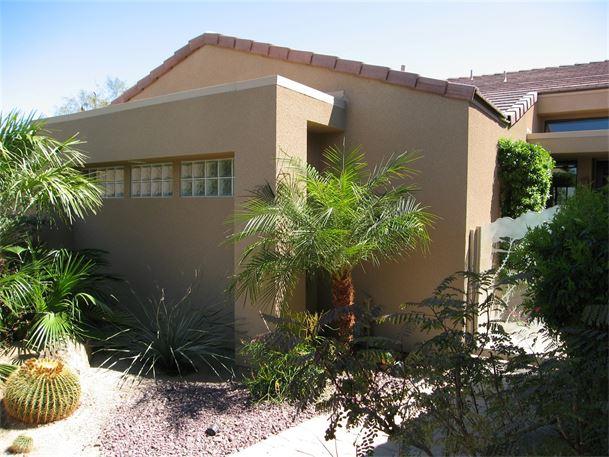
After
VIEWER NAVIGATION TIPS Use the controls at the top of the viewer to navigate through the drawings. To zoom in for easier reading, click the “+” button in the toolbar above the plans. You can continue zooming in multiple levels for detailed viewing of notes, dimensions, and construction details. Once zoomed in, press down on your mouse scroll wheel (middle mouse button) to activate panning mode. While holding the wheel/button, move your mouse to navigate around the drawing and view different portions of the sheet. You can also scroll through the drawing index on the left side of the viewer to quickly jump between sheets. NOTE: For renovation, addition, and transformation projects involving existing residences, an “as-built” floor plan and/or elevation drawings documenting the original condition of the home prior to construction work have been included within the plan set. Please scroll through the drawings to locate these comparison sheets.